WooCommerce Stock Sync with Manual Review
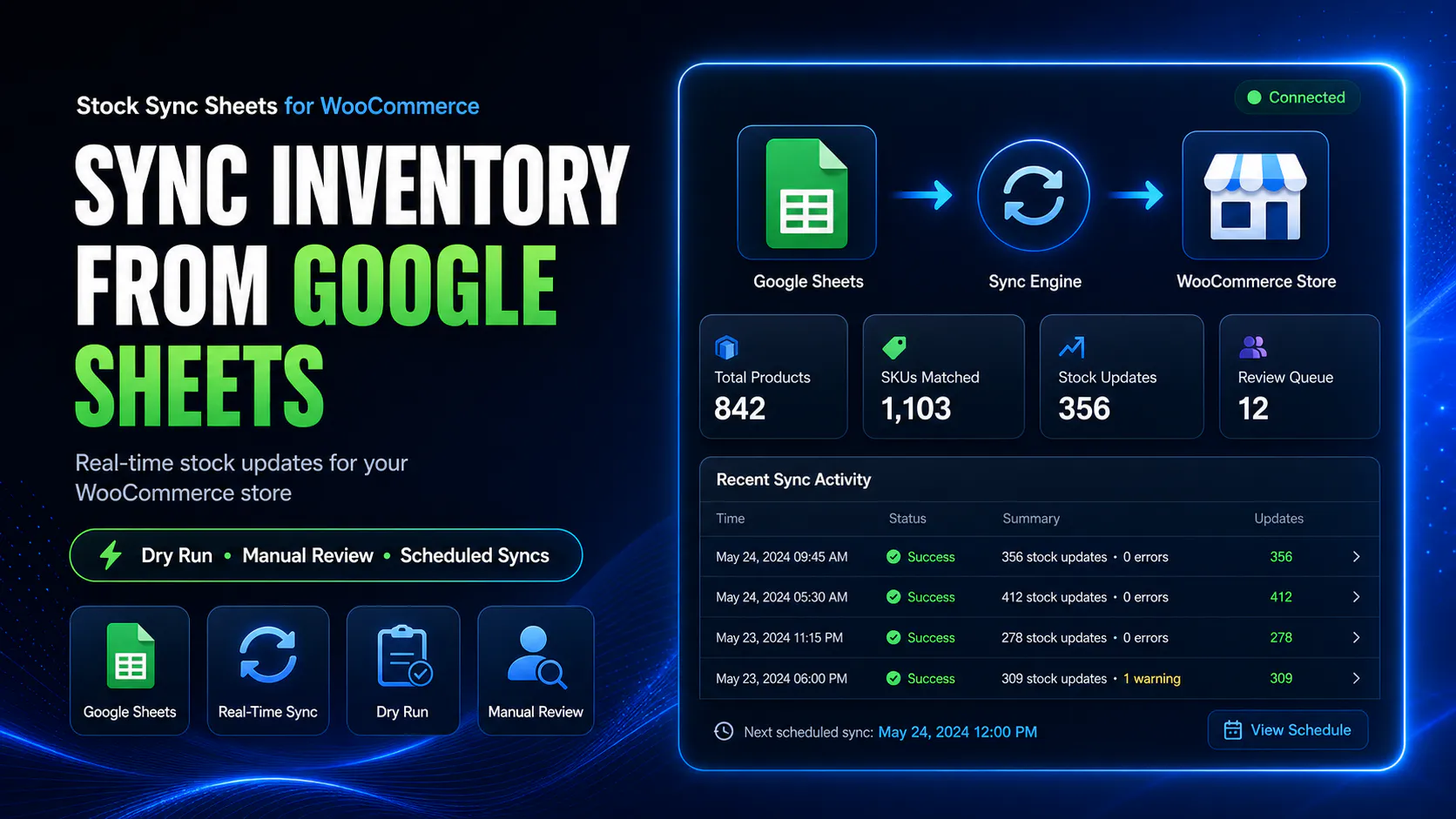
Sync WooCommerce stock from Google Sheets with Manual Review for uncertain product matches, plus Dry Run, confirmed matches, logs, ignored items, blacklist controls, and safer stock updates.
Product matching is where stock sync can become dangerous. Manual Review gives store owners a way to approve uncertain matches before live WooCommerce stock is changed.
- ✔Hold uncertain product matches before live stock sync
- ✔Review Google Sheet rows before choosing WooCommerce products
- ✔Save approved matches for future syncs
- ✔Use Dry Run before live stock updates
- ✔Use ignored and blacklist controls for unwanted matches
- ✔Check logs before trusting scheduled sync
How Manual Review works
Manual Review sits between the Google Sheet and the live stock update. It gives you a chance to inspect uncertain matches before they affect WooCommerce products.
Run stock sync preview
Use Dry Run or sync checks to process your Google Sheet rows without blindly updating live stock.
Uncertain rows are flagged
Rows that do not clearly match one WooCommerce product can be sent to Manual Review.
Choose the correct product
Review suggested matches or search for the correct WooCommerce product before approving.
Save and sync safely
Approved matches can become confirmed matches so future syncs can use the correct product link.
Manual Review helps prevent wrong-product stock updates
The biggest risk in stock sync is not the stock number itself. The biggest risk is updating the wrong WooCommerce product with the wrong stock value.
Manual Review helps reduce that risk by stopping uncertain Google Sheets rows from being applied automatically. Instead, you can approve the correct product before stock changes go live.
- ✔Stop uncertain matches before live updates
- ✔Review suggested WooCommerce product matches
- ✔Search for the correct product if needed
- ✔Save approved matches for future syncs
Blind matching is the wrong approach for serious stores
If a plugin guesses a product match and updates stock immediately, one wrong guess can create overselling, false stock levels, or customer support problems.
Manual Review gives store owners a safer middle step. It is slower than blind automation at first, but it builds a cleaner confirmed match list over time.
- ✔Reduce wrong-product stock updates
- ✔Build confirmed matches over time
- ✔Keep risky rows out of live sync
- ✔Improve sync confidence with each approval
When Manual Review is most useful
Manual Review is especially important when sheet data is not perfectly clean or when product names, SKUs, model codes, and supplier references do not match exactly.
Supplier sheets
Supplier product names and codes often differ from WooCommerce product names. Manual Review helps confirm the correct match.
Model-code matching
When model codes are the strongest identifier, Manual Review helps approve the correct product before future syncs.
Similar product names
Products with similar names can confuse automatic matching. Manual Review stops risky matches from syncing blindly.
Variation-heavy stores
Variation rows need careful matching so stock does not end up on the wrong parent or child product.
Large stock sheets
Manual Review helps isolate the rows that need human attention instead of forcing every uncertain row live.
First setup runs
The first few sync runs usually need more review while the confirmed match list is being built.
Manual Review compared with automatic matching
Automatic matching can be useful, but it should not be trusted blindly when product data is unclear.
| Workflow | Blind automatic matching | Manual Review workflow |
|---|---|---|
| Unclear product match | May choose the closest product and update stock. | Holds the row for review before live sync. |
| Wrong product risk | Higher when product names are similar. | Lower because the admin approves the match. |
| First setup run | Can create mistakes quickly. | Builds a cleaner confirmed match list. |
| Future syncs | May repeat the same bad guess. | Approved matches can be reused. |
| Supplier data | Can struggle with different naming formats. | Lets you approve matches when supplier names differ. |
| Safety | Fast but risky. | Slightly slower at first, safer over time. |
Manual Review works with confirmed, ignored, and blacklist controls
A good stock sync workflow needs more than one review screen. It needs a way to approve good matches, ignore rows, and block bad matches from repeating.
Confirmed Matches
Approved matches can be saved so future syncs can reuse the correct WooCommerce product link.
Ignored Matches
Rows that should not be synced can be ignored so they do not keep returning as active review work.
Blacklist controls
Bad or unwanted matches can be blocked so the same wrong match behaviour does not keep repeating.
Logs
Logs help show what was matched, skipped, reviewed, approved, or sent back for attention.
Manual Review should happen before schedules are trusted
Scheduled stock sync is useful only after your sheet setup and matching workflow are already proven. If you enable schedules too early, uncertain matches can become repeated problems.
The safer workflow is to run Dry Run first, resolve Manual Review items, build confirmed matches, check logs, and only then use schedules.
- ✔Test with Dry Run first
- ✔Resolve Manual Review items
- ✔Build confirmed matches
- ✔Enable schedules only after testing
Helpful Manual Review resources
These pages explain related workflows for stock sync, Dry Run, bulk stock updates, inventory sync, and plugin comparison.
Plugin overview
See the main Stock Sync Sheets buyer guide covering Stock Sync, Dry Run, Manual Review, Product Builder, AI Review, schedules, and Push on Sale.
Stock Sync
Learn how WooCommerce stock sync from Google Sheets works with Dry Run, Manual Review, logs, schedules, and matching controls.
Stock Import with Dry Run
Preview WooCommerce stock imports before live products are updated.
Bulk Stock Update
Bulk update WooCommerce stock from Google Sheets with preview and review controls.
Inventory Sync
Read the WooCommerce inventory sync guide for stock quantity and stock status workflows from Google Sheets.
Plugin comparison
Compare WooCommerce stock sync plugin workflows before choosing a system for your store.
Supplier Stock Sheets to WooCommerce
Learn how supplier stock sheets can be reviewed, matched, and synced into WooCommerce without trusting unclear product matches blindly.
Multi-Store WooCommerce Inventory
See how shared Google Sheets can support multi-store or multi-team WooCommerce stock workflows with review controls.
WooCommerce Stock Sync with Manual Review FAQs
What is Manual Review in WooCommerce stock sync?
Manual Review is a workflow where uncertain Google Sheets product matches are held for approval before WooCommerce stock is updated.
Why does Manual Review matter for stock sync?
Manual Review helps stop uncertain or risky matches from automatically updating the wrong WooCommerce product.
Can approved manual matches be saved?
Yes. Approved matches can be saved as confirmed matches so future stock syncs can reuse the correct product link.
Should I use Dry Run before Manual Review?
Yes. Dry Run helps preview stock changes and identify uncertain rows before the live WooCommerce stock sync is run.
Can Manual Review help with supplier stock sheets?
Yes. Supplier names, SKUs, and model codes may not match your WooCommerce data perfectly, so Manual Review helps approve the correct product links.
Should I enable scheduled sync before resolving Manual Review?
No. The safer workflow is to resolve manual review items, check logs, and build confirmed matches before trusting scheduled sync.
Sync WooCommerce stock with Manual Review before risky updates
Use Stock Sync Sheets to preview Google Sheets stock changes, review uncertain product matches, save confirmed matches, and update WooCommerce stock with more control.