
OmniSupply AI – Inventory & Purchasing Automation for WooCommerce
OmniSupply AI is being built for WooCommerce stores that need more than a low-stock warning. It helps turn stock data, supplier details, purchase orders, invoice documents, order notes and receiving checks into one clearer purchasing workflow.
Buy buttons will be added when the product is released. For now, this page shows the planned workflow and where OmniSupply AI fits in a growing WooCommerce store.
The purchasing problem
Low-stock alerts do not run purchasing
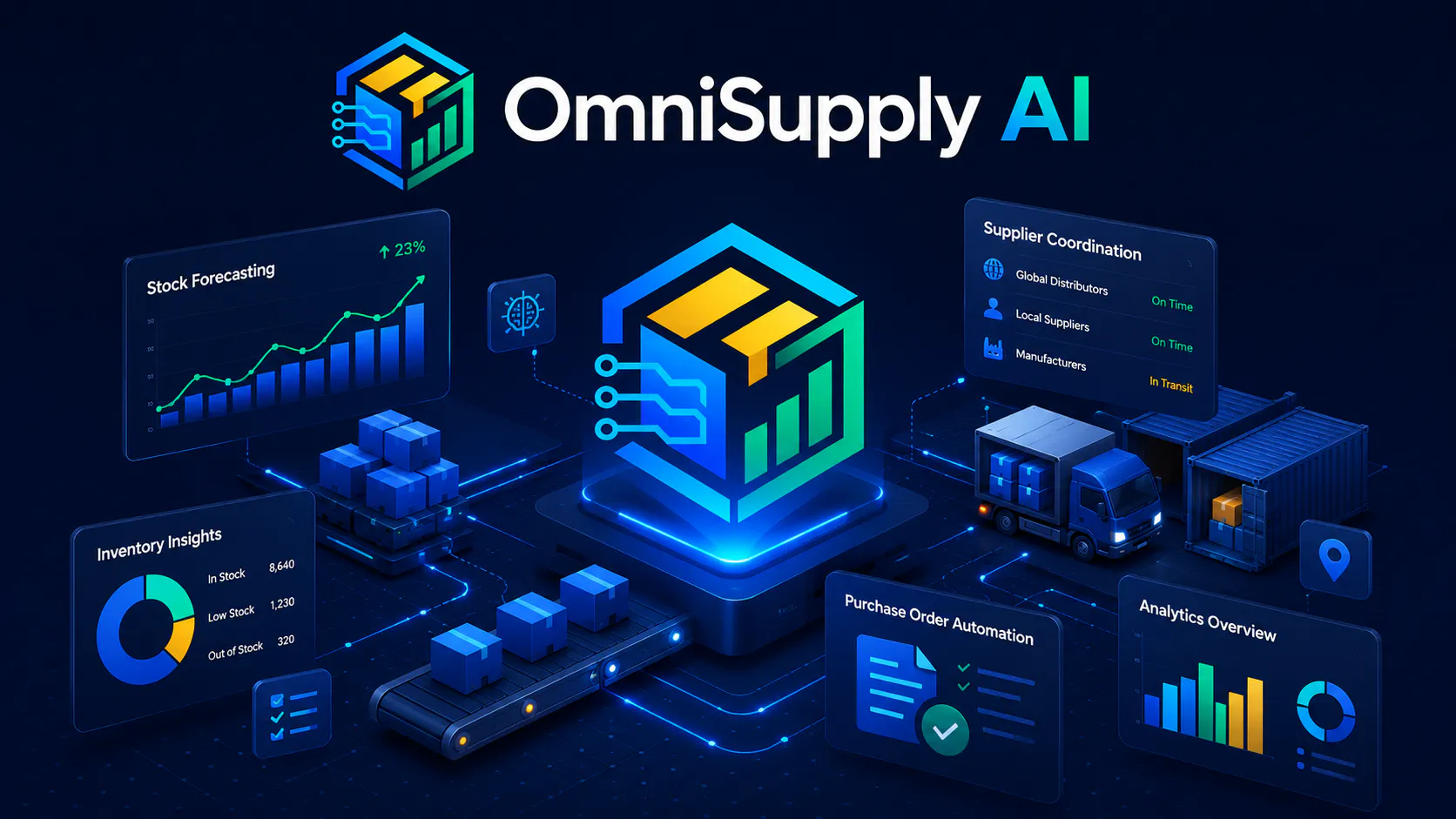
A basic alert can tell you that a product is running low. It does not decide what should be reordered, prepare a supplier workflow, check incoming documents, review special order notes, or help your team confirm goods before stock increases. OmniSupply AI is designed for that wider operational gap.
- See stock pressure before the shelf is empty, not after the customer is already waiting.
- Move from scattered supplier notes to a structured purchasing process inside WordPress.
- Keep a human review point where supplier, invoice, receipt or order-note details need approval.
- Support safer stock control by reviewing the workflow before WooCommerce quantities are changed.
Built for the messy middle
How OmniSupply AI changes purchasing
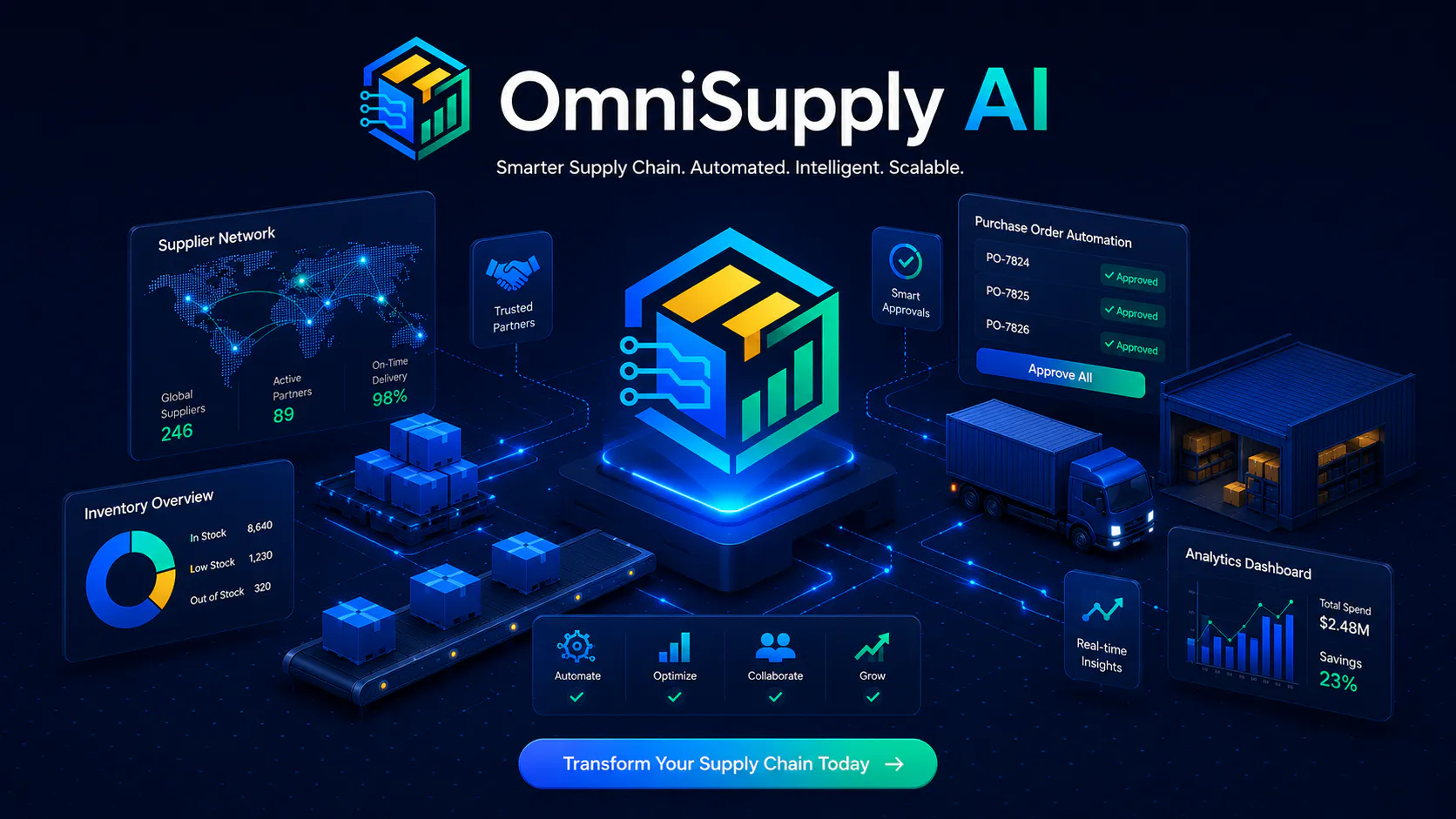
OmniSupply AI connects the parts of purchasing that usually live in separate places: stock forecasting, supplier ordering, invoice review, order-note checks and receiving. The goal is not to remove control. The goal is to give store owners a faster way to see what needs attention and approve the right next action.
Forecast stock pressure
Use current inventory signals and reorder planning to spot products that may need attention before they become urgent problems.
Prepare supplier workflows
Organise supplier purchasing steps so your team can move from a reorder need to a purchase order without rebuilding the process every time.
Review documents
Bring invoice and purchasing documents into a review flow so operational details can be checked before they affect buying or stock decisions.
Check order notes
Order notes can contain supplier instructions, customer details or fulfilment warnings. OmniSupply AI is designed to surface those details for review.
Control receiving
Goods received should not blindly increase stock without review. A receiving workflow helps confirm what arrived and what still needs checking.
Keep humans in charge
The best purchasing workflow is fast, but still controlled. OmniSupply AI is positioned around review, approval and safer operational decisions.
Operational screens
From forecast to supplier action
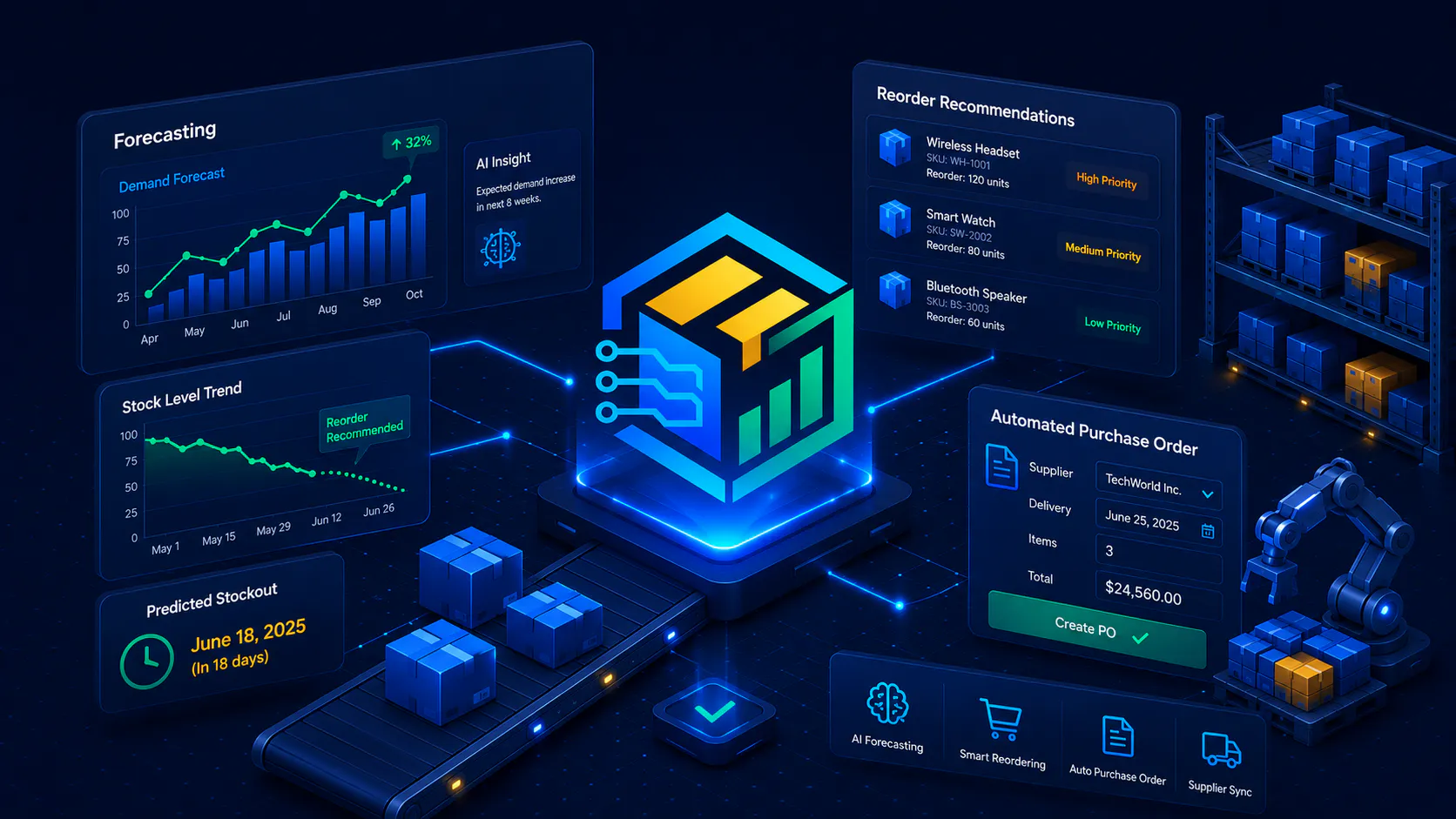
The planned OmniSupply AI workflow gives WooCommerce stores a clearer path from inventory risk to supplier purchasing. These screens show the type of workflow the product is being built around.
Stock forecasting and reordering
Forecasting gives your team a better starting point than a simple low-stock number. It helps show which products may need purchasing attention and which decisions should be reviewed first.
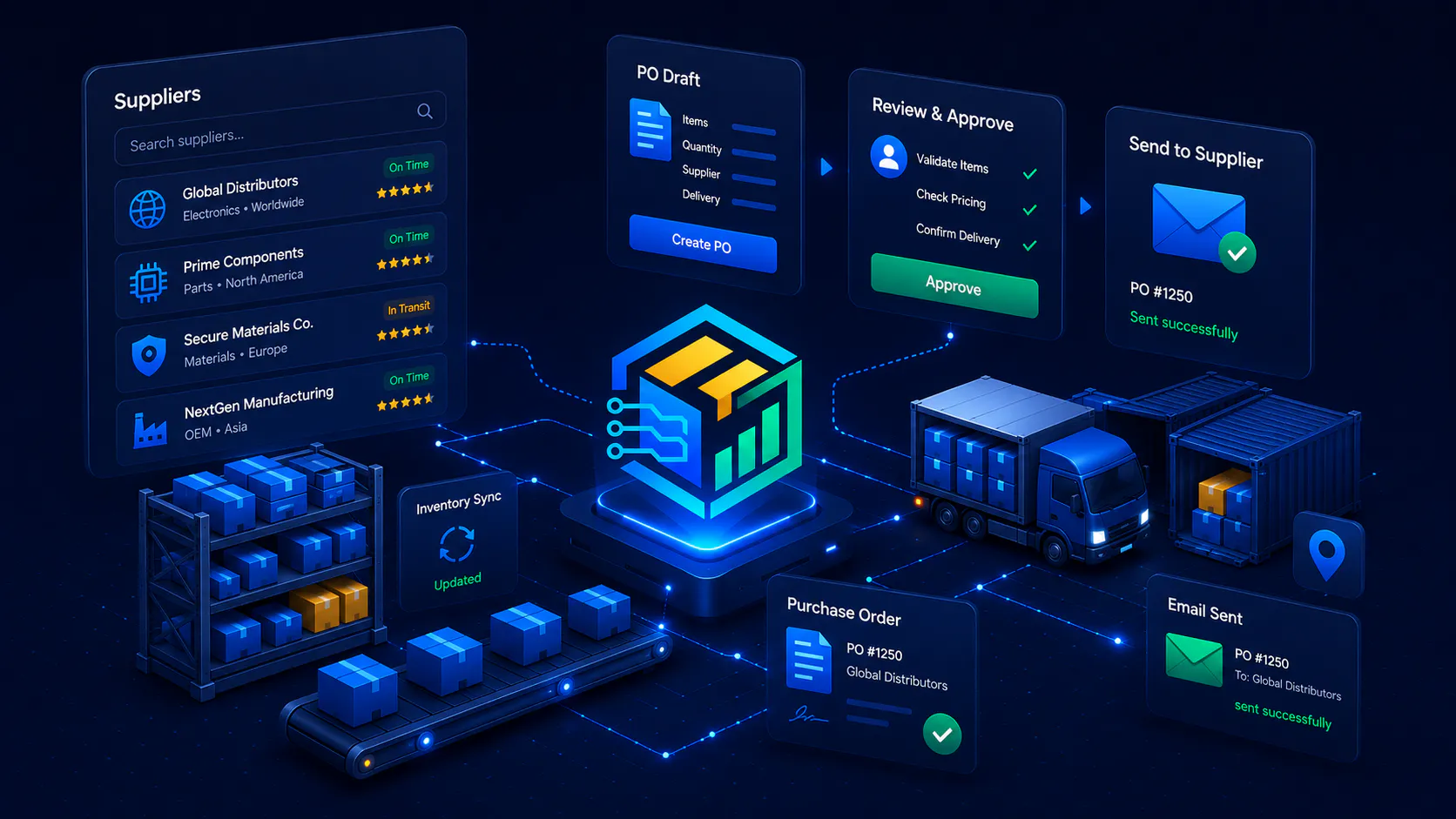
Supplier purchase order workflow
Purchasing is easier to manage when supplier actions follow a repeatable path. OmniSupply AI is designed to help prepare and review supplier purchase order activity from inside the WooCommerce workflow.
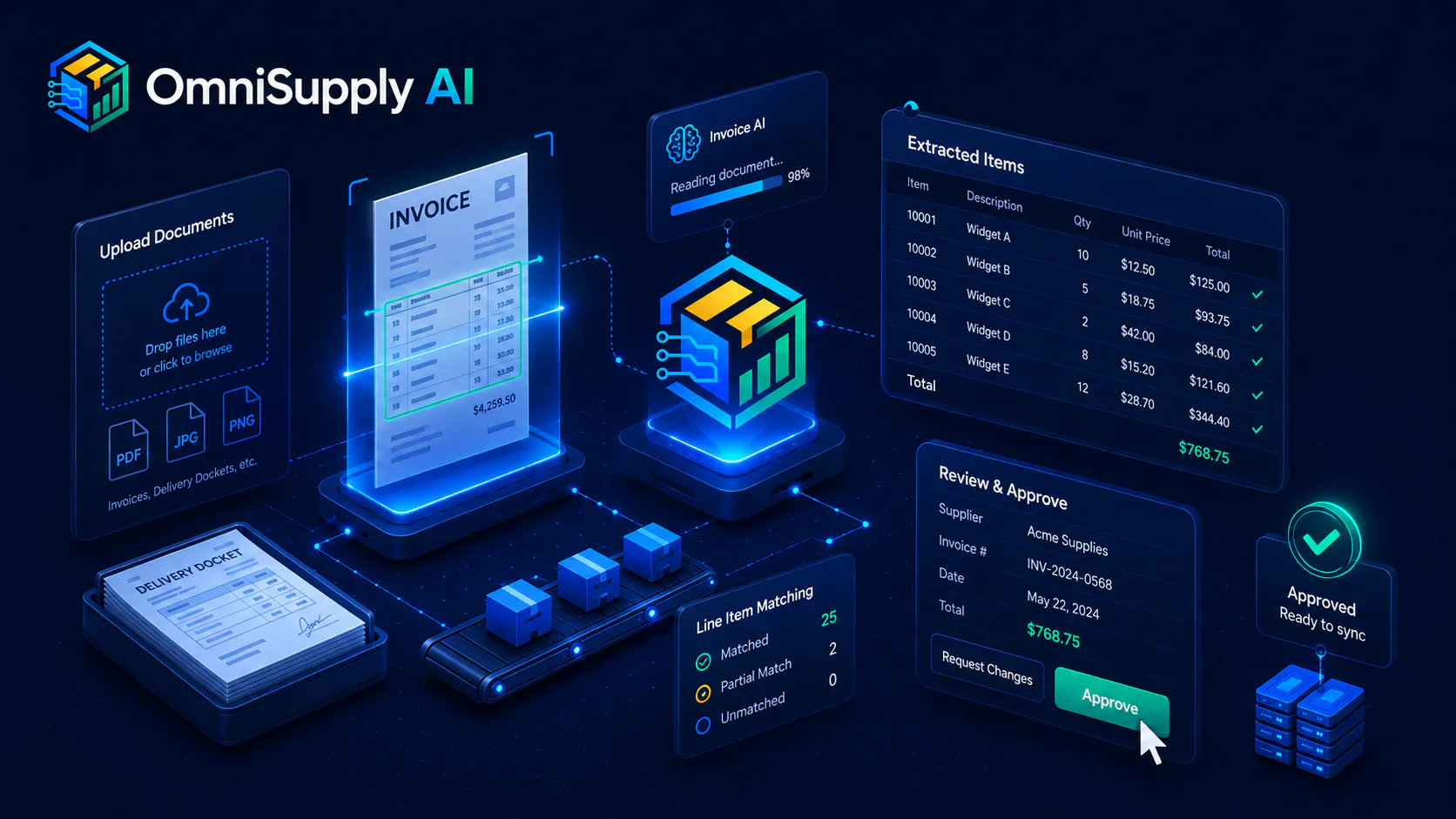
Invoice and document processing
Supplier documents can contain costs, quantities, order references and exceptions. A document review process helps your team check those details before relying on them for stock or purchasing decisions.
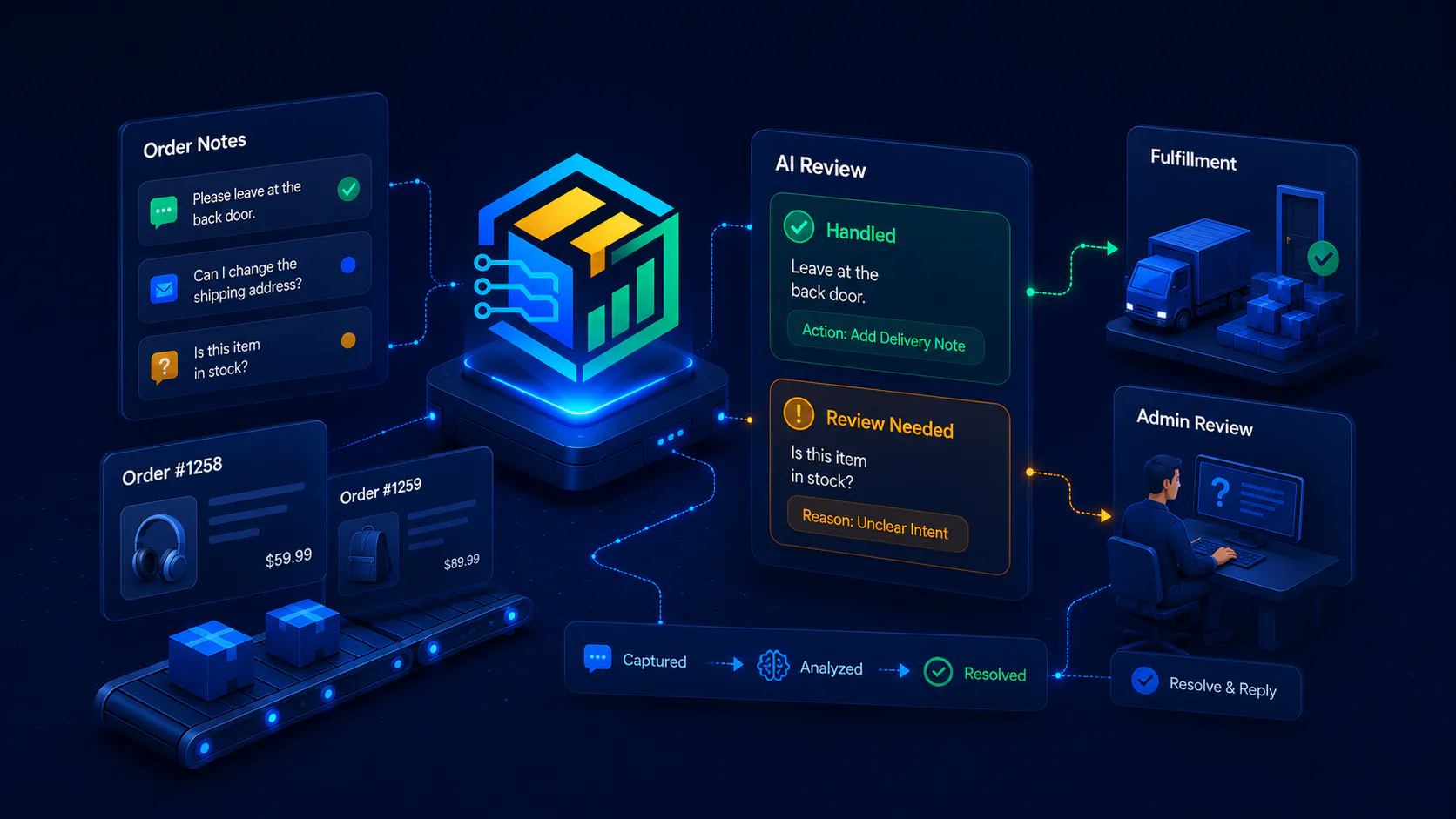
Order-note review
WooCommerce order notes can affect fulfilment and supplier handling. OmniSupply AI is planned to help review those notes so important operational details are not buried in the order history.
Controlled workflow
Review the buying decision before stock changes
Inventory automation should not mean uncontrolled stock changes. OmniSupply AI is built around a more careful purchasing sequence: identify risk, prepare action, review supplier information, confirm what happened, then update the operational record.
Forecast demand and stock pressure
Start with products that may need attention instead of waiting for stockouts to create urgency.
Prepare the supplier action
Move likely reorder needs into a supplier purchasing flow that your team can review.
Check documents and notes
Review invoice documents, supplier references and order notes before trusting the data.
Confirm receiving and stock impact
Use review points to confirm what arrived and what should affect WooCommerce inventory.
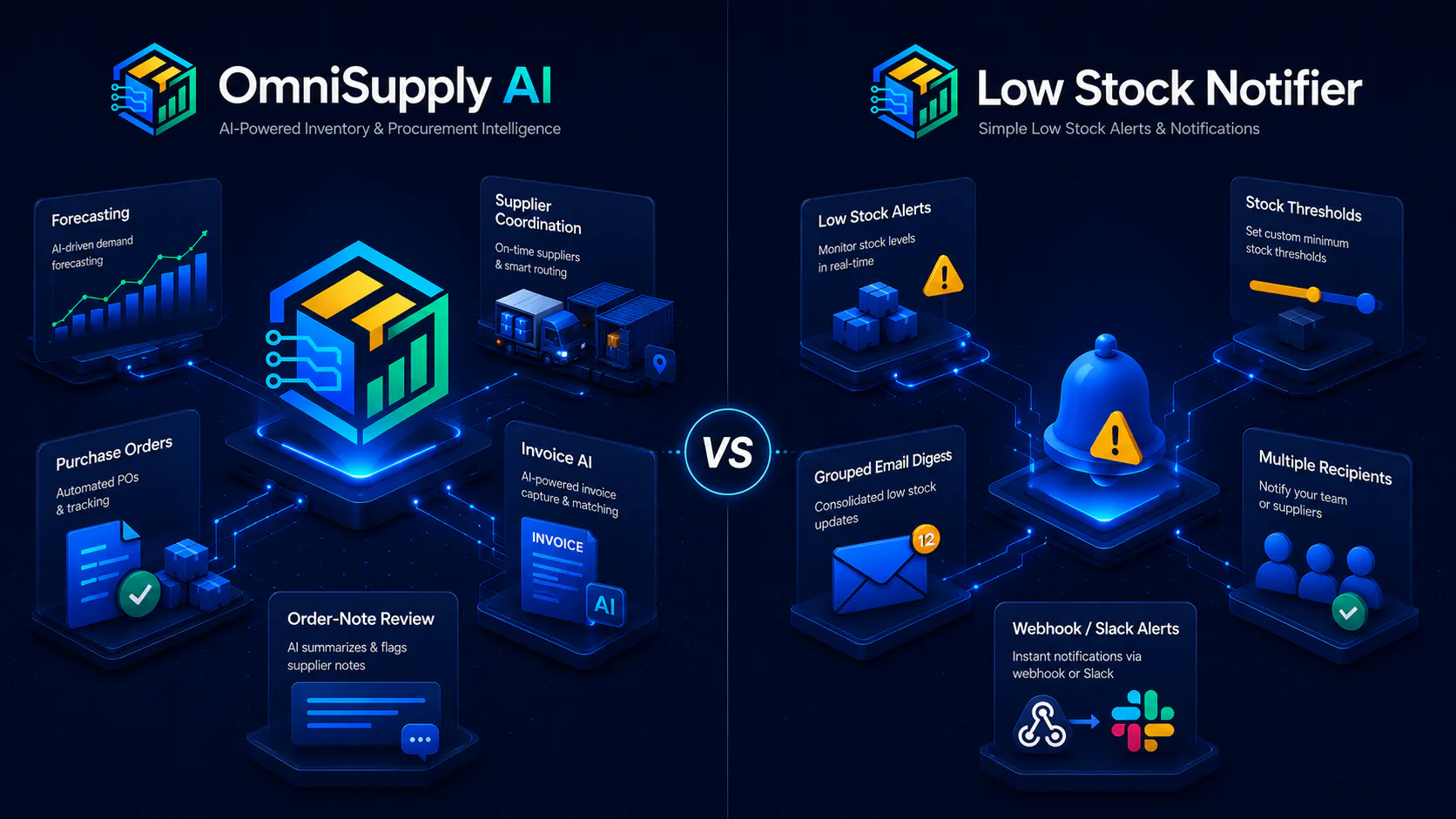
More than notification
Low-stock tools can be useful, but they usually stop at the warning. OmniSupply AI is for stores that need the next layer: purchasing context, supplier workflow, document handling, order-note review and controlled receiving.
OmniSupply AI vs alerts
When alerts are not enough
A store with one supplier and a small catalogue may only need a warning. A store with growing order volume, supplier paperwork, reorder decisions and operational review needs something more structured. OmniSupply AI is designed for the point where inventory management becomes purchasing management.
- Low-stock notifier: tells you something is low.
- OmniSupply AI: helps review what should happen next.
- Low-stock notifier: focuses on product quantity.
- OmniSupply AI: connects quantity, supplier action, documents, order notes and receiving.
- Low-stock notifier: useful for simple warnings.
- OmniSupply AI: built for a fuller purchasing workflow.
Release status
OmniSupply AI is coming soon
OmniSupply AI is not yet released for purchase. The buy buttons on this page are intentionally shown as Coming Soon placeholders. When the product is available, these placeholders can be replaced with live purchase links, pricing details and release-specific calls to action.