

Need help with Stock Sync Sheets?
First, use this page to get help with Stock Sync, Dashboard, Settings, Manual Review, Confirmed Matches, Product Builder, AI Review, Sheet Push, Push on Sale, the included Price Sync module at no extra cost, and WooCommerce Google Sheets setup.
- ✔ Start with the guides if you are setting up the plugin for the first time.
- ✔ Then send clear details if you still need support.
- ✔ Also include logs, screenshots, example rows, and the result you expected.
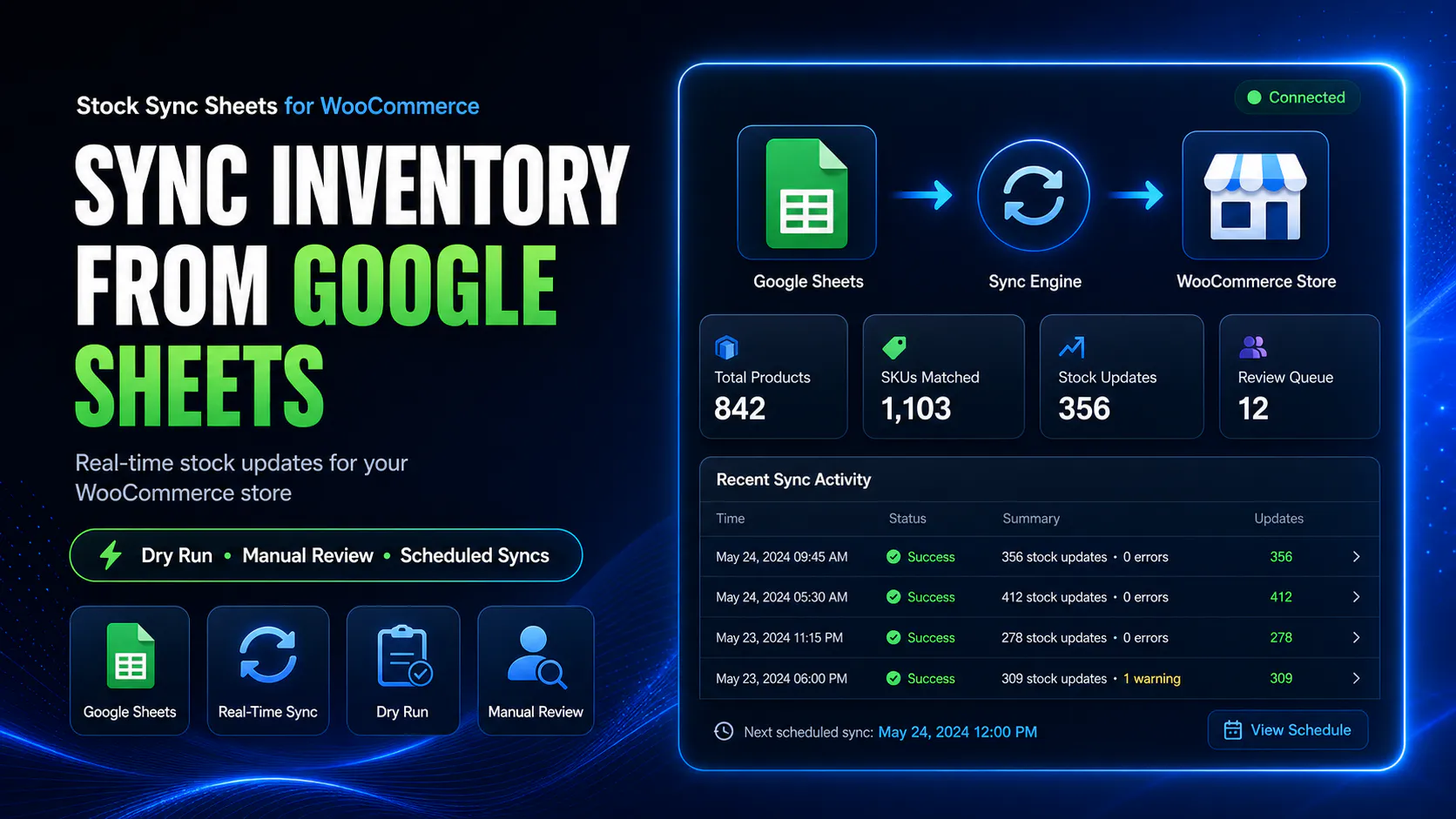
Get support faster
Good support starts with clear details. Therefore, a short email with the right information is usually faster than several back-and-forth messages.
Tell us the exact page
First, say where the issue happens. For example, name Dashboard, Settings, Stock Sync, Manual Review, Confirmed Matches, Ignored Matches, Blacklist, Product Builder, AI Review, Sheet Editor, Sheet Push, Push on Sale, or the included Price Sync module.
Include version details
Next, include your WordPress version, WooCommerce version, Stock Sync Sheets version, and whether the included Price Sync module is enabled if the issue is price related. Also mention your PHP version if you know it.
Explain the result
Then explain what you expected, what happened instead, and the exact step that caused the problem. Because those details matter, they can reduce guesswork quickly.
Add screenshots or logs
Finally, attach the useful evidence. Screenshots, Sync Logs, Product Builder logs, AI Review status, Sheet Push logs, Price Sync logs, and exact error messages all help.
Before contacting support
Many setup problems are simple checks. However, they are easy to miss when you are building the sheet setup for the first time.
Check these first
Before sending an email, run through this list. As a result, your support request will be clearer if the issue still remains.
- First, confirm that your Google Sheet ID is correct.
- Next, check the tab name against the exact name in Google Sheets.
- After that, confirm the matching column and quantity column.
- Then review the row range and make sure it includes the right rows.
- Also confirm that the correct sheet is enabled on the Stock Sync page.
- Before a live update, use Load Sheet Preview.
- After previewing, run a Dry Run before changing stock.
- If uncertain items appear, review Pending Manual Product Matches.
- Once matching works, check Confirmed Matches.
- Meanwhile, check Ignored Matches and Blacklist if bad matches keep appearing.
- Finally, enable scheduled syncs only after the first live workflow works correctly.
Module-specific support checklists
Each feature needs different details. Therefore, use the checklist that matches the part of the plugin you are asking about.
Stock Sync support checklist
Use this checklist for stock sync, Dry Run, live sync, matching, variation stock, schedules, or logs.
- Start with the Sheet ID and tab name, or send a screenshot of the settings.
- Then include the matching column, quantity column, and row range.
- Also state whether the issue happens in Dry Run, live sync, or scheduled sync.
- Include a screenshot of the Stock Sync page showing enabled sheets.
- After that, add the relevant Sync Log entries.
- For matching issues, include one example sheet row and the matching WooCommerce product.
- For variation issues, include product ID, SKU, parent SKU, parent ID, product type, and variation attributes.
Product Builder support checklist
Use this checklist for product creation, product updates, mapped fields, Product Builder preview, imports, or product type problems.
- First, include a screenshot of Product Builder mappings.
- Next, send the example sheet row being created or updated.
- Also tell us whether the product is simple, variable, variation, grouped, external, virtual, or downloadable.
- If relevant, include product ID, SKU, parent SKU, or parent ID.
- Then name the fields that are not importing or updating as expected.
- After that, include Product Builder log output.
- Finally, add a screenshot of the affected WooCommerce product after import.
AI Review support checklist
Use this checklist for AI Settings, AI-assisted Preview, staged AI drafts, approvals, imports, or OpenAI API problems.
- First, confirm whether your own OpenAI API key is saved and active.
- Next, include the model or AI setting selected, if visible.
- Also send a screenshot of AI Settings and AI Review status.
- Then include the example product row used for AI generation.
- After that, explain whether the issue is generation, review, approval, or import.
- If an API error appears, copy the exact message.
- Finally, confirm whether the issue affects titles, descriptions, bullet features, SEO title, meta description, or focus keyphrase.
Sheet Push / Push on Sale support checklist
Use this checklist for Full Export, Incremental Push, Push on Sale, store-to-sheet updates, or shared stock hub setups.
- First, name the affected push workflow: Full Export, Incremental Push, or Push on Sale.
- Next, send a screenshot of Sheet Push settings and mapped columns.
- Also confirm whether the plugin can write to the sheet.
- Then include the WooCommerce product or order that should have pushed stock back.
- After that, attach Sheet Push log or export log entries.
- If this is a shared setup, say whether it uses one store or multiple stores.
- Finally, include the expected sheet value and the actual sheet value.
Price Sync support checklist
Use this checklist for regular price sync, sale price sync, price-specific review, confirmed price matches, schedules, or price logs.
- First, include the Stock Sync Sheets version and confirm that the included Price Sync module is enabled.
- Next, name the regular price column and sale price column.
- Also send an example sheet row with expected price values.
- Then include the confirmed price match status for the affected product.
- After that, state whether the issue happens in Dry Run, live sync, or scheduled price sync.
- Include the relevant Price Sync log entries.
- Finally, compare the expected WooCommerce regular price or sale price with the actual price after sync.
Dashboard / general workflow checklist
Use this checklist for Dashboard counts, module status, navigation, schedules, or page visibility problems.
- First, send a screenshot of the Dashboard area showing the incorrect status.
- Next, name the module status that looks wrong.
- Also explain whether the issue appears after refresh, save, sync, or schedule change.
- Then include the current schedule setting for the affected workflow.
- After that, add any related log entry from Stock Sync, Sheet Push, Product Builder, or Price Sync.
- Finally, say whether this is on staging or live.
Documentation and help resources
The guides are the best place to start. In addition, they give you clearer terms to use when you contact support.
Quick Start Guide
Start here for first-time setup, Dry Run, Stock Sync checks, manual match review, confirmed matches, and the first live sync.
Guides hub
Use the hub for Dashboard, Stock Sync, Settings, Manual Review, Product Builder, AI Review, Sheet Push, Push on Sale, the included Price Sync module, and troubleshooting.
Stock Sync page
Open this page for the stock sync workflow, Dry Run, manual review, logs, and variation-aware stock wording.
Product Builder page
Open this page for product creation, product updates, mapped fields, AI-assisted Preview, and AI Review.
Sheet Push page
Open this page for Full Export, Incremental Push, Push on Sale, and shared stock sheet setups.
Included Price Sync module page
Open this page for the Price Sync module included with Stock Sync Sheets at no extra cost, covering regular price sync, sale price sync, confirmed matches, Dry Run checks, and price logs.
What support can help with
Support is best used for setup issues, product questions, and workflow help that goes beyond the basic guides.
Installation and setup
We can help you connect Stock Sync Sheets correctly. We can also explain the early setup steps.
Troubleshooting problems
We can review unexpected behaviour, unclear sync results, matching issues, logs, schedules, or suspected bugs.
Workflow questions
We can explain Dry Run usage, manual review, confirmed matches, ignored matches, blacklist, Product Builder, AI Review, Sheet Push, and the included Price Sync module.
License and billing questions
We can help with access, renewals, refunds, and the buying flow through WooCommerce.com.
What to include in your email
A good support email saves time. Therefore, copy this format when you need help.
Recommended support email format
Use this structure for support requests. Then add screenshots or logs where they help.
- Plugin name and plugin version.
- Whether the included Price Sync module is enabled if the issue is price related.
- WordPress version and WooCommerce version.
- Staging or live site.
- Affected page or feature.
- Expected result.
- Actual result.
- Exact steps to reproduce the issue.
- Screenshots, logs, or error messages.
- Whether the issue happened during Dry Run, live sync, scheduled sync, Product Builder import, AI generation, Sheet Push, Push on Sale, or Price Sync.
What support cannot fix quickly without details
Vague messages slow everything down. Instead, send the exact page, setting, log, row, and result.
“It does not work” is not enough to troubleshoot safely
For sync, matching, product import, AI, Sheet Push, or Price Sync problems, support needs the exact page, settings, screenshots, logs, example row, expected result, and actual result. Without those details, the first reply will usually need to ask for more information.
Too vague
“The sync is broken.”
Useful
“On the Stock Sync page, Dry Run shows Flower 7 matching the parent product instead of the variation. Here is the row, mapped fields, Sync Log entry, and WooCommerce product screenshot.”
Ready to get help?
Email support@appsforwp.com with your setup details, screenshots, logs, example rows, expected result, and actual result. Also check the guides first if you are still setting up the plugin.
Email Support Open Guides