

WooCommerce Price Sync from Google Sheets
Sync WooCommerce regular prices and sale prices from Google Sheets using the Price Sync feature included in Stock Sync Sheets, with Dry Run checks, confirmed matches, logs, and a dedicated price workflow.
Price Sync is built into Stock Sync Sheets for stores that want spreadsheet-controlled pricing without mixing price updates into the stock sync process.
- ✔Sync WooCommerce regular prices from Google Sheets
- ✔Sync WooCommerce sale prices from Google Sheets
- ✔Use Dry Run before applying live price updates
- ✔Use confirmed matches before updating product prices
- ✔Use a dedicated price workflow inside Stock Sync Sheets
- ✔Review logs and price-specific workflow results
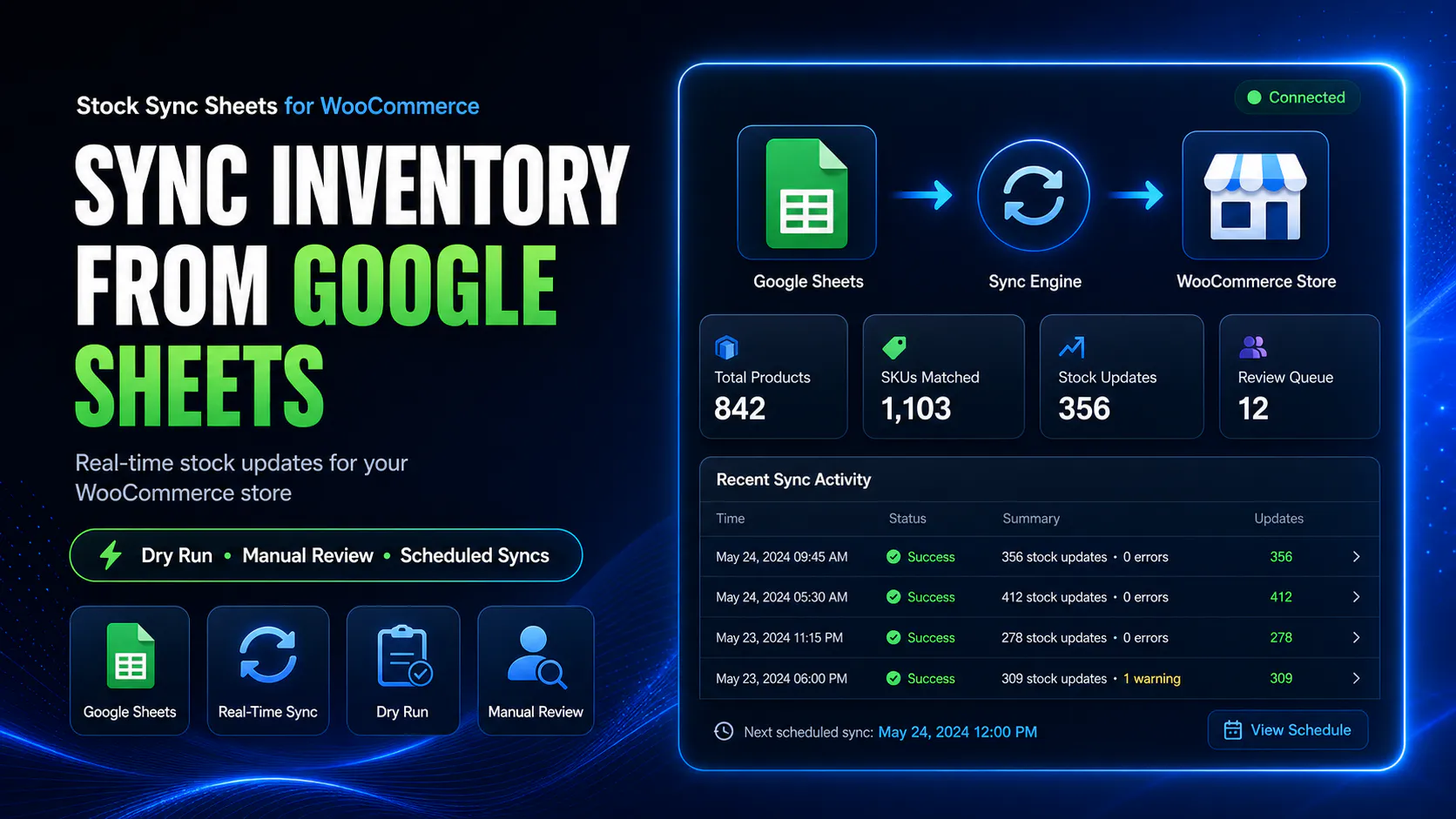
How WooCommerce price sync from Google Sheets works
Price Sync keeps pricing separate from stock. Set up your sheet, map the price columns, preview changes with Dry Run, then update WooCommerce prices only when the results are correct.
Prepare your price sheet
Add product identity fields plus regular price and sale price columns to your Google Sheet.
Use confirmed matches
Price Sync is designed around approved product matches so price updates apply to the correct WooCommerce products.
Run a Dry Run
Preview regular price and sale price changes before updating live WooCommerce products.
Apply approved updates
Run the live price sync once the preview, matches, and logs look correct.
Keep price updates separate from stock sync
Stock updates and price updates are different jobs. A mistake in either can cause problems, but a pricing mistake can be especially visible to customers.
The Price Sync feature in Stock Sync Sheets keeps regular price and sale price workflows separate from the stock sync workflow. That makes it easier to test, review, and control pricing before live changes are applied.
- ✔Use a dedicated price sync workflow
- ✔Keep stock sync and price sync separate
- ✔Preview price changes with Dry Run
- ✔Use logs to check what changed
Sync regular prices and sale prices from one spreadsheet workflow
The Price Sync feature is designed for stores that manage pricing in Google Sheets and need those prices reflected in WooCommerce.
Use regular price and sale price columns separately so your pricing workflow stays clearer and easier to check before live updates.
- ✔Regular price sync from Google Sheets
- ✔Sale price sync from Google Sheets
- ✔Dry Run before live price changes
- ✔Logs for reviewing price sync activity
Why price sync needs stronger controls
Price changes are high-risk. Customers can see them immediately, so the workflow needs preview, confirmed matches, and separate logs before live updates.
Dry Run before live updates
Preview regular price and sale price changes before WooCommerce products are updated.
Confirmed price matches
Use approved product matches so price changes apply to the correct WooCommerce products.
Price sync logs
Review what Price Sync found, what changed, what was skipped, and what needs checking.
Separated workflow
Keep pricing decisions away from stock-only updates so each workflow stays easier to control.
What the Price Sync feature is for
This feature is for WooCommerce stores that already manage pricing in spreadsheets and want a safer way to update prices from Google Sheets.
Regular price updates
Use Google Sheets to manage normal WooCommerce product prices from mapped sheet columns.
Sale price updates
Use sale price columns for promotions, markdowns, or temporary product price changes.
Spreadsheet pricing control
Useful when pricing is managed by a supplier sheet, warehouse sheet, buying team, or internal pricing file.
Review before changing prices
Preview and check changes before applying live pricing updates to WooCommerce.
Price Sync is included in Stock Sync Sheets
Price Sync is built into the main Stock Sync Sheets plugin. No separate Price Sync add-on is required.
Install and activate Stock Sync Sheets to use its included Price Sync workflow for regular price and sale price updates.
- ✔Included in the main Stock Sync Sheets plugin
- ✔No separate Price Sync add-on required
- ✔Uses the wider Google Sheets and WooCommerce workflow
- ✔Runs as a dedicated workflow inside Stock Sync Sheets
Watch the Price Sync walkthrough
See how the included Price Sync feature fits into the wider Stock Sync Sheets workflow before using it on your store.
Stock Sync Sheets Price Sync video
Watch how the included regular price and sale price syncing works with Google Sheets, confirmed matches, Dry Run, and logs.
- ✔Understand the included Price Sync workflow
- ✔See how Dry Run fits before live updates
- ✔Check if Stock Sync Sheets suits your store before buying
Price Sync compared with manual WooCommerce editing
Manual price editing can work for small stores. It becomes risky and slow when many products or frequent price changes are involved.
| Workflow | Manual WooCommerce editing | Price Sync in Stock Sync Sheets |
|---|---|---|
| Regular price updates | Edit products one by one. | Use mapped Google Sheet price columns. |
| Sale price updates | Manual sale price changes across products. | Sync sale price values from sheet data. |
| Preview before changes | Depends on manual checking. | Dry Run helps preview changes before live updates. |
| Product match control | Manual product lookup. | Uses confirmed matches to reduce wrong-product price updates. |
| Logs | No dedicated price sync log. | Review price-specific sync activity. |
| Stock and price separation | Everything is handled manually. | Price Sync stays separate from the main Stock Sync workflow. |
Helpful Price Sync resources
These pages explain the included Price Sync feature and the wider Stock Sync Sheets workflow.
Price Sync in Stock Sync Sheets
Read the main feature page for syncing WooCommerce regular prices and sale prices from Google Sheets.
WooCommerce Sale Price Sync
Learn how sale price syncing works when promotional prices are stored in Google Sheets and need to update WooCommerce products safely.
WooCommerce Regular Price Sync
Learn how regular price syncing works when your standard WooCommerce prices are managed from mapped Google Sheets columns.
Plugin overview
See the main Stock Sync Sheets buyer guide covering Stock Sync, Dry Run, Manual Review, Sheet Push, Product Builder, AI Review, and Push on Sale.
Stock Sync
Learn how the main Stock Sync Sheets plugin handles WooCommerce stock sync from Google Sheets.
Sheet Push
See how WooCommerce stock and product-related data can be pushed back to Google Sheets.
Push on Sale
Learn how WooCommerce sale stock changes can be pushed back to Google Sheets in real time.
Setup guides
Use setup videos and guides before relying on live stock sync, Sheet Push, Product Builder, or Price Sync workflows.
WooCommerce Price Sync from Google Sheets FAQs
Can I sync WooCommerce prices from Google Sheets?
Yes. Stock Sync Sheets includes Price Sync for WooCommerce regular prices and sale prices from Google Sheets.
Can I sync regular prices and sale prices?
Yes. The included Price Sync feature handles both regular price and sale price syncing from Google Sheets to WooCommerce.
Is Price Sync included in the main Stock Sync Sheets plugin?
Yes. Price Sync is included in the main Stock Sync Sheets plugin, so no separate add-on is required.
Can I preview price changes before updating WooCommerce?
Yes. Price Sync in Stock Sync Sheets supports Dry Run checks so users can review price changes before applying them live.
Does Price Sync use confirmed matches?
Yes. Price Sync is designed around confirmed product matches so prices update against approved product links.
Does Price Sync replace stock sync?
No. Price Sync and Stock Sync are separate workflows. Stock Sync handles inventory values, while Price Sync handles regular price and sale price values.
Should I run a Dry Run before live price updates?
Yes. Pricing mistakes are highly visible, so the safest workflow is to run a Dry Run, check the logs, confirm matches, and only then run the live price sync.
Sync WooCommerce prices from Google Sheets with more control
Use the Price Sync feature included in Stock Sync Sheets to update regular prices and sale prices from Google Sheets while keeping price changes separate from your stock sync workflow.