Push WooCommerce sales back to Google Sheets
Stock Sync Sheets can push WooCommerce sale stock changes back to Google Sheets in real time when an order reduces product stock.
Most sheet sync workflows only pull stock from Google Sheets into WooCommerce. Push on Sale adds the reverse direction, helping your shared Google Sheet stay fresher after orders.
- ✔Update Google Sheets when WooCommerce sales reduce stock
- ✔Keep shared stock sheets fresher after orders
- ✔Support multi-store and shared inventory workflows
- ✔Reduce manual sheet edits after WooCommerce sales
- ✔Use alongside Stock Sync, Sheet Push, Product Builder, and schedules
- ✔Included in the main Stock Sync Sheets workflow
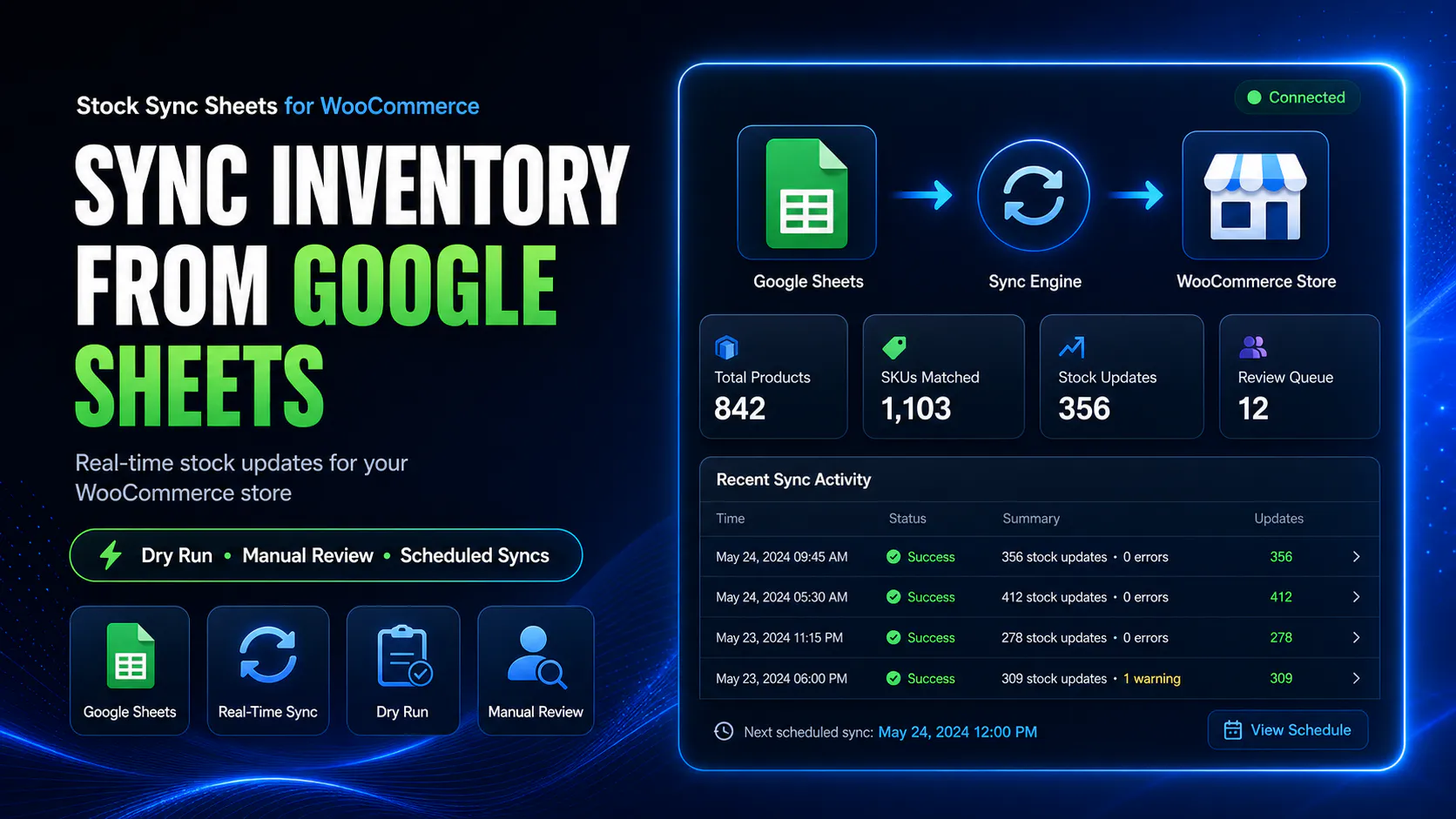
How Push on Sale works
Push on Sale is the reverse side of the stock workflow. Stock Sync pulls stock from Google Sheets into WooCommerce. Push on Sale sends WooCommerce sale stock changes back to Google Sheets.
Customer places an order
A WooCommerce order reduces product stock inside your store.
Push on Sale detects the change
The plugin can process the sale stock reduction as part of the mapped Sheet Push workflow.
Google Sheet is updated
The mapped stock value in your Google Sheet can be updated after the WooCommerce sale.
Shared stock stays fresher
Your sheet becomes a better source for connected teams, stores, or stock workflows.
Why sale-to-sheet updates matter
A Google Sheet stock source is only useful if it stays close to reality. If WooCommerce sales reduce stock but the sheet does not update, your spreadsheet can become stale quickly.
Push on Sale helps solve that by sending WooCommerce sale stock reductions back to Google Sheets, so the sheet reflects orders faster and needs fewer manual edits.
- ✔Reduce stale sheet stock after WooCommerce orders
- ✔Cut down manual spreadsheet corrections
- ✔Support shared inventory workflows
- ✔Use your Google Sheet as a fresher stock source
Two-way stock workflow without a custom API build
Many stores want Google Sheets to be their stock hub. The problem is that one-way stock imports do not keep the sheet updated after WooCommerce sales.
Stock Sync Sheets gives you both sides of the workflow: pull stock from Google Sheets into WooCommerce, and push sale stock reductions back to Google Sheets with Push on Sale.
- ✔Sheet to WooCommerce stock sync
- ✔WooCommerce sale stock changes back to sheet
- ✔Sheet Push and Push on Sale workflows
- ✔No custom WooCommerce REST API project required
Who needs WooCommerce sales pushed back to Google Sheets?
This page is for stores that rely on a Google Sheet as a stock hub and need WooCommerce order activity reflected back into that shared source.
Multi-store stock workflows
Useful when multiple stores or channels rely on a shared Google Sheet as the stock source.
Supplier or warehouse sheets
Helpful when stock data is managed in a supplier, warehouse, or internal spreadsheet.
High-SKU WooCommerce stores
Helpful when manual stock corrections after sales become too slow or too easy to miss.
Teams using one shared stock file
Useful when team members check the same Google Sheet for current stock availability.
Push on Sale works with the wider Stock Sync Sheets workflow
Push on Sale is strongest when used with Stock Sync, Sheet Push, logs, matching controls, and a tested Google Sheets setup.
Stock Sync
Pull stock quantities from Google Sheets into WooCommerce using your configured sheet settings and matching workflow.
Sheet Push
Push WooCommerce stock and product-related data back to Google Sheets using full export or incremental workflows.
Push on Sale
Update Google Sheets when WooCommerce orders reduce stock so the sheet reflects sales faster.
Logs and review
Use logs and setup guides to check what has happened during sync, push, and sale-to-sheet workflows.
Important: Push on Sale helps keep the sheet fresher, but it is not magic
Push on Sale is designed to update the mapped Google Sheet when WooCommerce sales reduce stock. That can make your sheet much more useful as a shared stock source.
You still need a clean sheet setup, correct product mapping, working Google access, and a tested workflow. For multi-store setups, each connected store still needs its own correct configuration.
- ✔Test your mapping before relying on automation
- ✔Use the setup guides before live use
- ✔Check logs after orders and pushes
- ✔Keep each store configuration clean and consistent
Watch Sheet Push and Push on Sale workflows
These videos help explain the workflow before you connect your own store and sheet.
Push on Sale walkthrough
See how WooCommerce sale stock changes can be pushed back to Google Sheets using the Stock Sync Sheets workflow.
- ✔Understand sale-to-sheet updates
- ✔See how Push on Sale fits with Sheet Push
- ✔Use the demo and guides before buying
Helpful resources for this workflow
These pages explain the connected workflows around Push on Sale, Sheet Push, Stock Sync, Product Builder, and the main plugin.
Sheet Push
Learn how Stock Sync Sheets can send WooCommerce stock and product-related data back to Google Sheets.
Plugin overview
See the main Stock Sync Sheets buyer guide covering stock sync, Dry Run, Manual Review, Product Builder, AI Review, schedules, and Push on Sale.
Stock Sync
Learn how WooCommerce stock sync from Google Sheets works before using the reverse sale-to-sheet workflow.
Product Builder
Use mapped Google Sheet rows to create and update WooCommerce products from spreadsheet data.
Setup guides
Use setup videos and guides before relying on live stock sync, Sheet Push, or Push on Sale workflows.
Try the demo
Open the demo site to inspect the Stock Sync Sheets workflow before purchasing.
Push WooCommerce sales to Google Sheets FAQs
Can WooCommerce sales update Google Sheets?
Yes. Stock Sync Sheets includes Push on Sale, which can update Google Sheets when WooCommerce sales reduce product stock.
What does Push on Sale mean?
Push on Sale means that when a WooCommerce order reduces stock, the stock change can be pushed back to your mapped Google Sheet in real time.
Does Push on Sale replace scheduled stock sync?
No. Push on Sale handles WooCommerce sale stock changes back to the sheet. Scheduled stock sync can still be used for pulling sheet stock values into WooCommerce.
Is Push on Sale useful for multi-store stock workflows?
Yes. Push on Sale can help keep a shared Google Sheet fresher after WooCommerce sales, which can support multi-store or shared stock workflows.
Do I still need Stock Sync?
Yes. Stock Sync handles the Google Sheets to WooCommerce direction. Push on Sale handles the WooCommerce sale back to Google Sheets direction.
Is Push on Sale included in Stock Sync Sheets?
Yes. Push on Sale is included as part of the Stock Sync Sheets workflow.
Should I test the workflow before relying on it?
Yes. You should confirm your sheet setup, product mapping, Google access, and logs before relying on live stock or Push on Sale workflows.
Keep your Google Sheet fresher after WooCommerce sales
Use Push on Sale with Stock Sync Sheets to send WooCommerce sale stock changes back to Google Sheets and support a stronger shared stock workflow.