

WooCommerce Sale Price Sync from Google Sheets
Sync WooCommerce sale prices from Google Sheets using the built-in Stock Sync Sheets Price Sync module, Dry Run checks, confirmed matches, price logs, and a dedicated sale price workflow.
Sale price updates are high-risk because customers can see pricing mistakes immediately. This workflow is built around preview, confirmed matches, and separate price controls before live updates.
- ✔Sync WooCommerce sale prices from Google Sheets
- ✔Use a dedicated mapped sale price column
- ✔Run Dry Run before applying sale prices live
- ✔Use confirmed matches before changing product prices
- ✔Keep sale price updates separate from the stock sync workflow
- ✔Review logs before trusting automated price updates
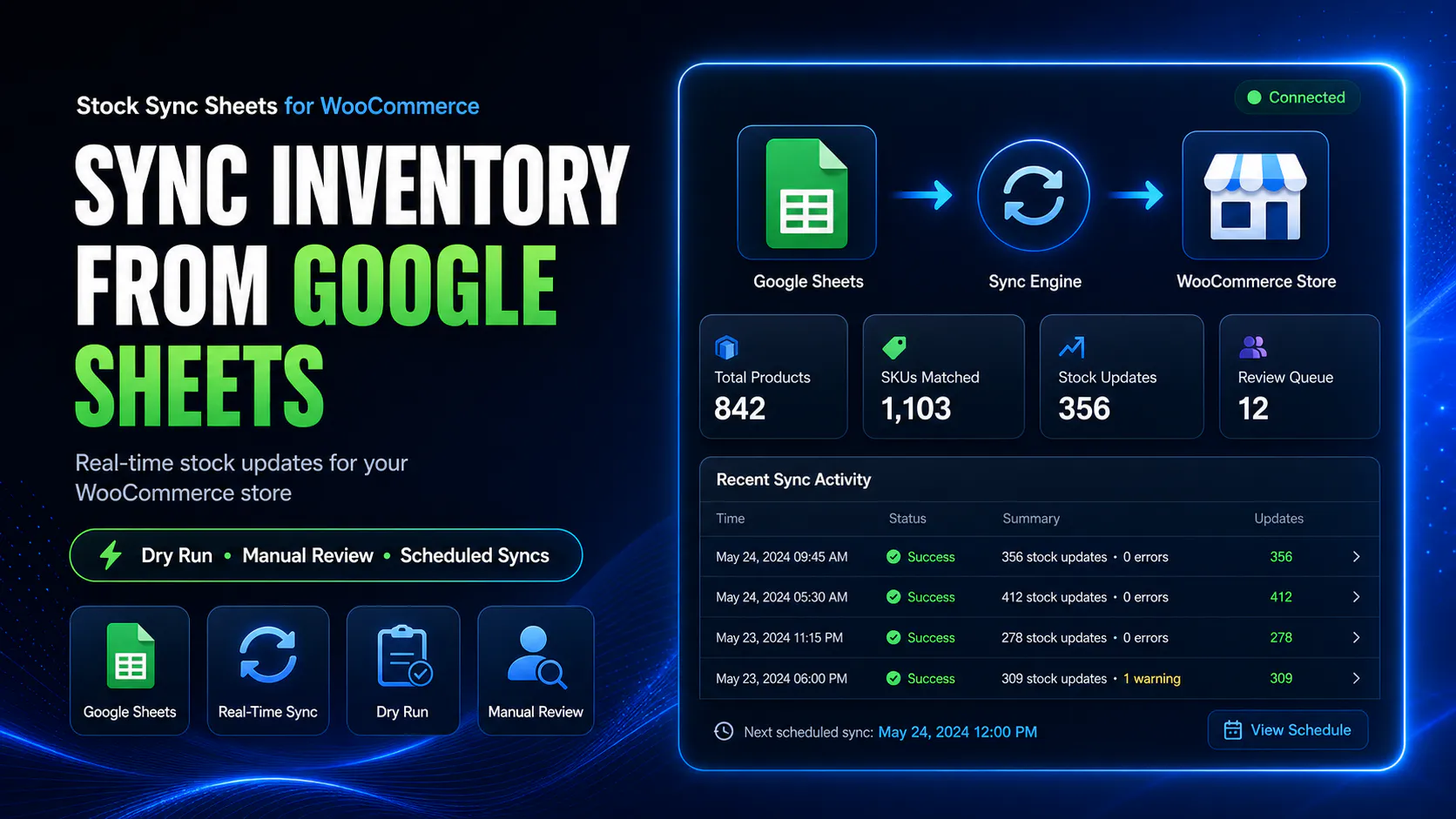
How WooCommerce sale price sync from Google Sheets works
Sale Price Sync uses the built-in Price Sync module included with Stock Sync Sheets. Map the sale price column, check confirmed product matches, run a Dry Run, then apply sale price updates only when the preview looks correct.
Prepare your sale price sheet
Add product identity fields and a sale price column to your Google Sheet.
Confirm product matches
Use approved product links so sale prices update the correct WooCommerce products.
Run a Dry Run
Preview sale price changes before updating live WooCommerce products.
Apply sale prices
Run the live price sync when the preview, matches, and logs look correct.
Use Google Sheets for sale price changes without editing every product manually
Sale prices often change during promotions, seasonal events, supplier changes, clearance runs, or category-wide pricing updates.
Editing every sale price manually in WooCommerce can be slow and risky. The included Price Sync module lets you manage sale price values in Google Sheets, preview the changes, and apply them only when the workflow is ready.
- ✔Manage sale price values in Google Sheets
- ✔Use a mapped sale price column
- ✔Preview sale price changes before going live
- ✔Keep sale pricing separate from the stock sync workflow
Keep sale price updates separate from regular price and stock sync
Sale prices should not be mixed blindly into stock updates. A sale price mistake can be customer-facing immediately.
The built-in Price Sync module gives you a dedicated sale price workflow so promotional pricing can be managed with more control.
- ✔Dedicated sale price column mapping
- ✔Separate price sync workflow
- ✔Dry Run before live pricing changes
- ✔Price logs for reviewing what changed
Why sale price sync needs review before live updates
Sale prices directly affect what customers see and pay. That means the workflow needs stronger safeguards than a basic spreadsheet import.
Dry Run sale prices first
Preview sale price changes before updating WooCommerce products.
Use confirmed product matches
Sale price updates should apply only to products that have approved matching.
Review price logs
Check what was found, changed, skipped, or warned before trusting the live workflow.
Avoid blind promotional updates
Do not push sale prices live without first checking the mapped values and product matches.
Common sale price workflows
This page is for WooCommerce stores that manage promotional pricing in spreadsheets and want a safer way to apply sale prices.
Promotional sale pricing
Use Google Sheets to prepare sale price values before applying promotional prices to WooCommerce products.
Clearance and markdowns
Manage clearance pricing in a sheet and preview values before updating WooCommerce.
Supplier-driven price changes
Use supplier or internal pricing sheets as the source for sale price updates.
Large product ranges
Update sale pricing across many products without editing every WooCommerce product manually.
Included with Stock Sync Sheets at no extra cost
Sale price sync is built into Stock Sync Sheets as part of the included Price Sync module. You do not need to buy or install a separate add-on.
Once Stock Sync Sheets is installed and active, the same plugin handles stock sync, regular price sync, and sale price sync through separate controlled workflows.
- ✔Price Sync module included with Stock Sync Sheets
- ✔No separate add-on purchase or installation
- ✔Dedicated workflow separate from stock quantity updates
- ✔Built for controlled regular and sale price syncing
Watch the Price Sync walkthrough
The Price Sync video explains the regular price and sale price workflow before using the included module on your own store.
Sale price sync is part of the built-in Price Sync module
Watch how the included Price Sync module works with Google Sheets, confirmed matches, Dry Run, logs, regular prices, and sale prices.
- ✔Understand the built-in Price Sync workflow
- ✔See why Dry Run matters before price changes
- ✔Check whether sale price sync suits your store
Sale price sync compared with manual sale pricing
Manual sale pricing can work for a few products. It becomes slow and risky when you need to update sale prices across many WooCommerce products.
| Workflow | Manual WooCommerce editing | Sale Price Sync from Google Sheets |
|---|---|---|
| Sale price changes | Edit products one by one. | Use mapped Google Sheet sale price values. |
| Promotional updates | Slow across many products. | Prepare sale pricing in a structured spreadsheet. |
| Preview before live updates | Depends on manual checking. | Dry Run helps preview sale price changes before live updates. |
| Product match control | Manual product lookup. | Uses confirmed matches before updating prices. |
| Logs | No dedicated sale price sync log. | Review price-specific sync activity and skipped items. |
| Stock and price separation | Everything is edited manually. | Sale price sync stays separate from stock sync. |
Helpful Sale Price Sync resources
These pages explain the included Price Sync module and the wider Stock Sync Sheets workflow.
WooCommerce Price Sync from Google Sheets
Read the broader price sync guide covering regular prices, sale prices, Dry Run, confirmed matches, logs, and the built-in module workflow.
WooCommerce Regular Price Sync from Google Sheets
Read the related regular price guide for syncing normal WooCommerce product prices from Google Sheets with Dry Run, confirmed matches, and price logs.
Included Price Sync Module
Read the main feature page for the built-in module that handles WooCommerce regular price and sale price syncing from Google Sheets.
Plugin overview
See the main Stock Sync Sheets buyer guide covering Stock Sync, Dry Run, Manual Review, Sheet Push, Product Builder, AI Review, and Push on Sale.
Stock Sync
Learn how the main Stock Sync Sheets plugin handles WooCommerce stock sync from Google Sheets.
Sheet Push
See how WooCommerce stock and product-related data can be pushed back to Google Sheets.
Setup guides
Use setup videos and guides before relying on live stock sync, Sheet Push, Product Builder, or Price Sync workflows.
WooCommerce Sale Price Sync from Google Sheets FAQs
Can I sync WooCommerce sale prices from Google Sheets?
Yes. The Price Sync module included with Stock Sync Sheets can sync WooCommerce sale prices from Google Sheets.
Is sale price sync included in the main Stock Sync Sheets plugin?
Yes. Sale price sync is included with Stock Sync Sheets through the built-in Price Sync module at no extra cost.
Can I preview sale price changes before updating WooCommerce?
Yes. The built-in Price Sync module supports Dry Run checks so users can review sale price changes before applying them live.
Can I use sale prices without changing regular prices?
The module uses separate regular price and sale price fields so sale price workflows can be managed separately from normal product pricing.
Does sale price sync use confirmed matches?
Yes. Price Sync is designed around confirmed product matches so sale prices update against approved product links.
Does sale price sync replace stock sync?
No. Sale price sync and stock sync remain separate workflows inside Stock Sync Sheets. Stock Sync handles inventory values, while Price Sync handles regular price and sale price values.
Should I run a Dry Run before live sale price updates?
Yes. Pricing mistakes are highly visible, so the safest workflow is to run a Dry Run, check the logs, confirm matches, and only then run the live sale price sync.
Sync WooCommerce sale prices from Google Sheets with more control
Use the included Price Sync module to update WooCommerce sale prices from Google Sheets while keeping pricing changes separate from your stock sync workflow.