

⚡ Stock Sync Sheets feature page
Google Sheets to WooCommerce Stock Sync
Google Sheets to WooCommerce Stock Sync is for stores that manage inventory in spreadsheets but need safer updates inside WooCommerce. Use Dry Run, Manual Review, confirmed matches and scheduled syncs to update stock with more control before live products change.
- Preview stock changes with Dry Run before applying updates.
- Send uncertain product matches to Manual Review instead of guessing.
- Save confirmed matches so repeat syncs are cleaner and faster.
- Update WooCommerce stock quantity and stock status from Google Sheets.
- Use real-time Sheet Push after sales when your sheet also needs to stay current.
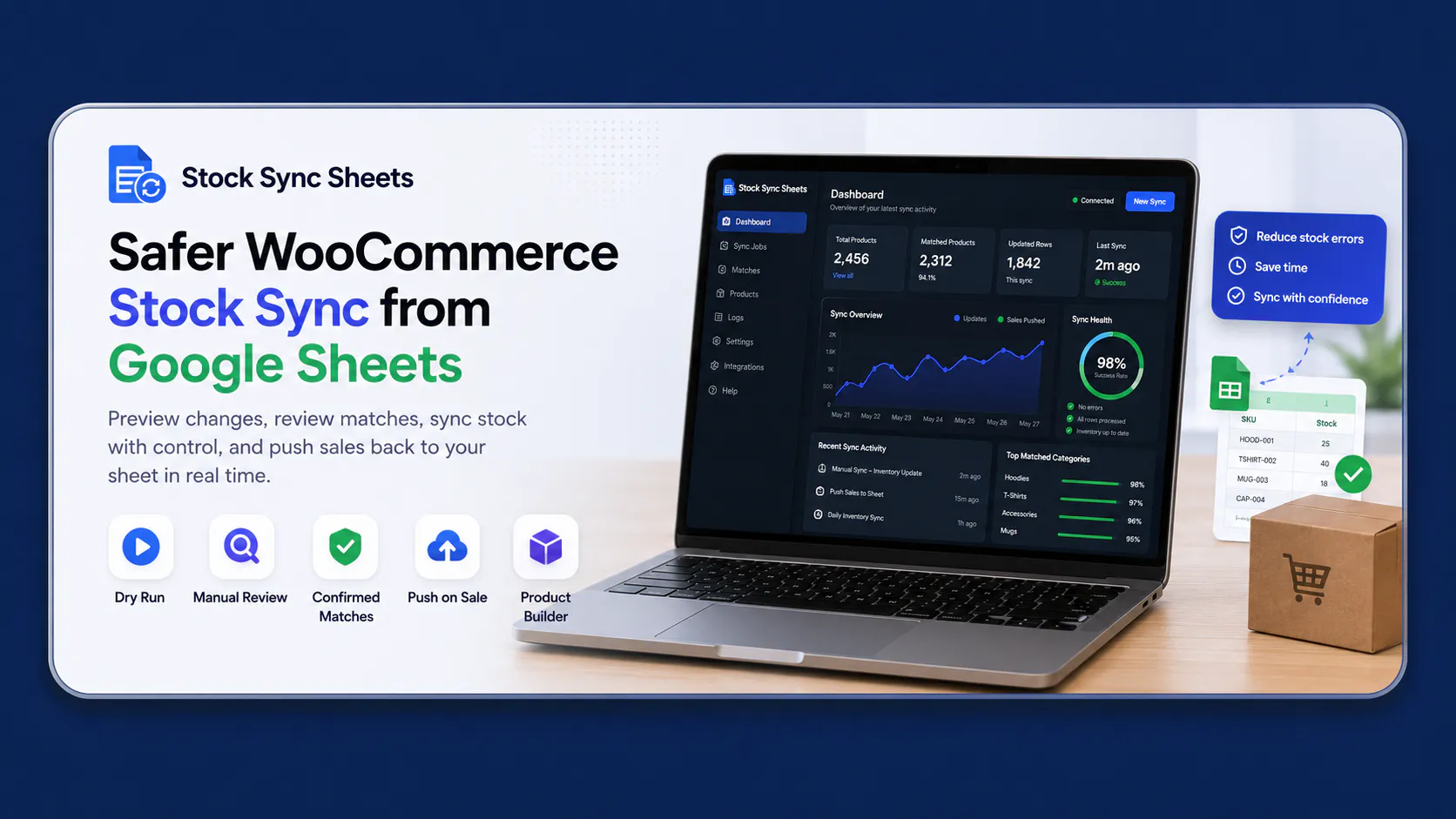
Built for spreadsheet-based WooCommerce inventory workflows where matching accuracy and update review matter.
How Google Sheets to WooCommerce Stock Sync works
Stock Sync Sheets connects your spreadsheet workflow to WooCommerce so you can check, review and run inventory updates without relying on risky one-click bulk edits.
Connect your sheet
Use a Google Sheet as the inventory source for stock quantities, stock status and product identifiers. This keeps your spreadsheet workflow familiar while WooCommerce remains the live store catalog.
Preview with Dry Run
Dry Run lets you preview proposed stock changes before they update live products. It is designed for store owners who want a safer review step before bulk inventory changes go live.
Review uncertain matches
Manual Review helps stop uncertain product matches from being applied automatically. Confirmed matches can be saved, so future syncs become more repeatable and easier to trust.
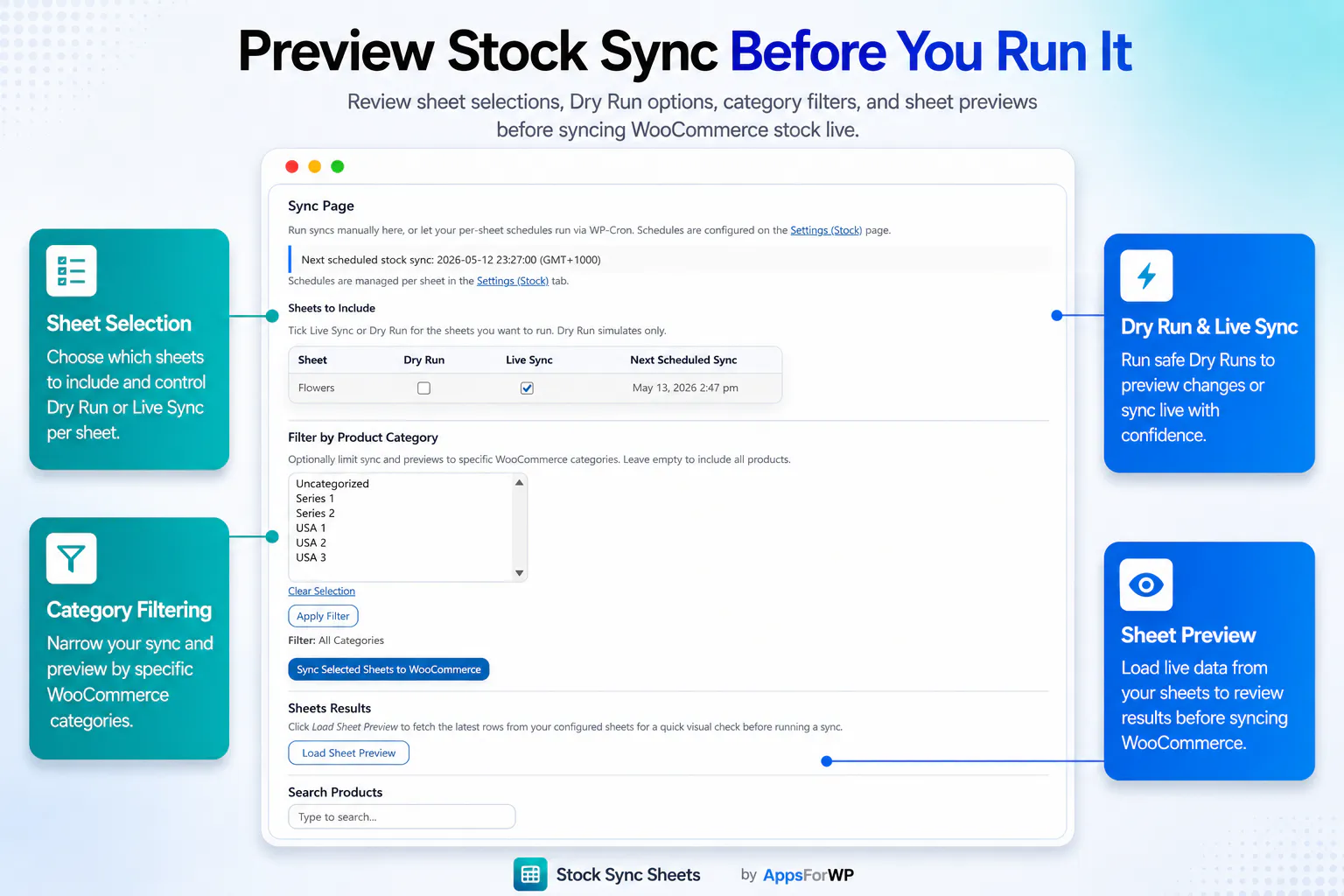
Preview stock sync before it changes WooCommerce
Bulk inventory updates are only useful if you can trust what will happen. Stock Sync Sheets focuses on safer matching, preview checks and manual control so you can update stock without turning every spreadsheet import into a risk.
- Use Dry Run to see what Stock Sync Sheets plans to update.
- Check matched products before running live WooCommerce stock changes.
- Hold uncertain matches for Manual Review instead of applying them blindly.
- Use confirmed matches to make repeat Google Sheets to WooCommerce Stock Sync workflows faster.
- Run manual workflows when you want control, or scheduled workflows when the setup is ready.
Use this page when you need stock updates
- You manage stock quantities in Google Sheets.
- You want WooCommerce inventory to follow spreadsheet changes.
- You need a preview step before live updates run.
- You want safer matching for SKUs, product rows or supplier sheets.
Use other AppsForWP pages for related workflows
- Use Sheet Push when WooCommerce sales should update your Google Sheet.
- Use Product Builder when you need to create product data from a spreadsheet.
- Use the included Price Sync module when regular or sale prices need their own controlled sync workflow at no extra cost.
- Use the homepage when you want the full Stock Sync Sheets product hub.
Built for safer WooCommerce inventory workflows
Google Sheets to WooCommerce Stock Sync should not mean uploading a spreadsheet and hoping every row matches correctly. Stock Sync Sheets keeps the strongest control points visible: Dry Run before live changes, Manual Review for uncertain matches, safer matching decisions and real-time Sheet Push after sales when your sheet needs to reflect WooCommerce reductions.
Stock sync features that matter
This dedicated stock sync page is focused on the inventory update workflow from Google Sheets into WooCommerce. It is separate from the AppsForWP homepage, which now acts as the broader product hub.
Dry Run before updates
Preview proposed stock changes before they affect live WooCommerce products. This is the safer first step when you are syncing inventory from a spreadsheet.
Manual Review for matching
When product matching is uncertain, Manual Review gives you a place to check the issue instead of allowing a questionable update to run automatically.
Real-time Sheet Push after sales
If you also need WooCommerce sales to reduce quantities in Google Sheets, the Sheet Push workflow can keep the spreadsheet aligned after orders reduce stock.
Frequently asked questions
Use these answers to choose the right AppsForWP workflow for spreadsheet-based WooCommerce inventory.
Is this the right page for syncing stock from Google Sheets?
Yes. This page is for Google Sheets to WooCommerce Stock Sync, where your spreadsheet is the source for WooCommerce stock quantities or stock status updates.
What makes Stock Sync Sheets safer than a basic import?
The safer workflow is built around Dry Run, Manual Review and confirmed matches. You can preview changes, check uncertain product matches and avoid applying questionable updates blindly.
Can WooCommerce sales update my Google Sheet too?
Yes, use Sheet Push when WooCommerce sale stock reductions need to be pushed back to Google Sheets in real time. That is a related workflow, not the same search intent as this stock sync page.
Where should I go if I want setup help?
Start with the Stock Sync Sheets setup guides, then use the support page if you need help with license activation, sync setup, matching problems or troubleshooting.